How SpamRescue Works
A simple, powerful workflow to recover lost revenue.
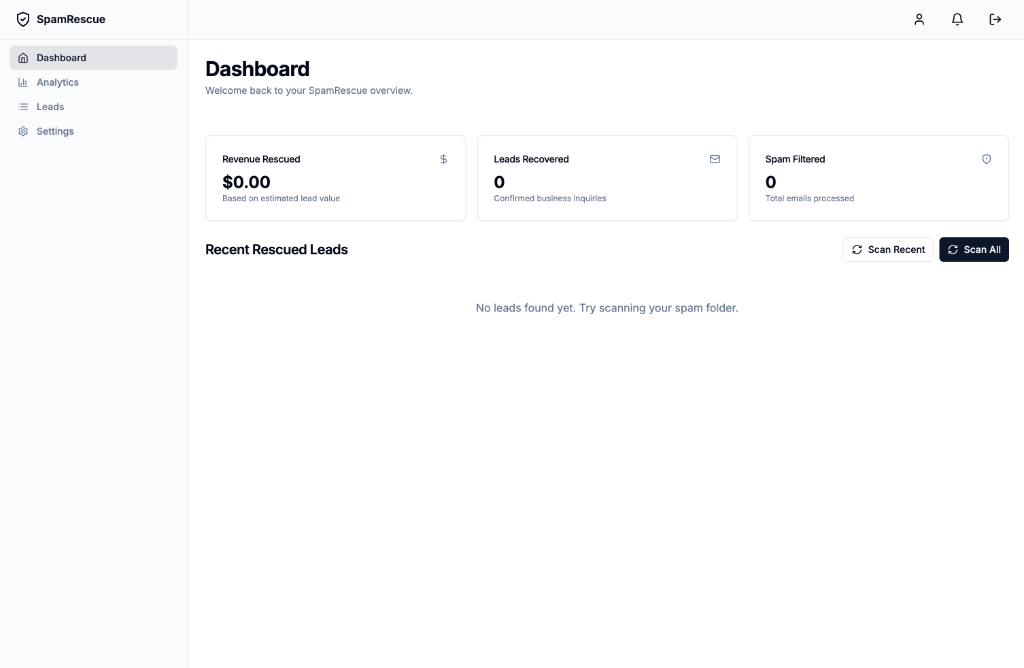
1. Scan Recent or All
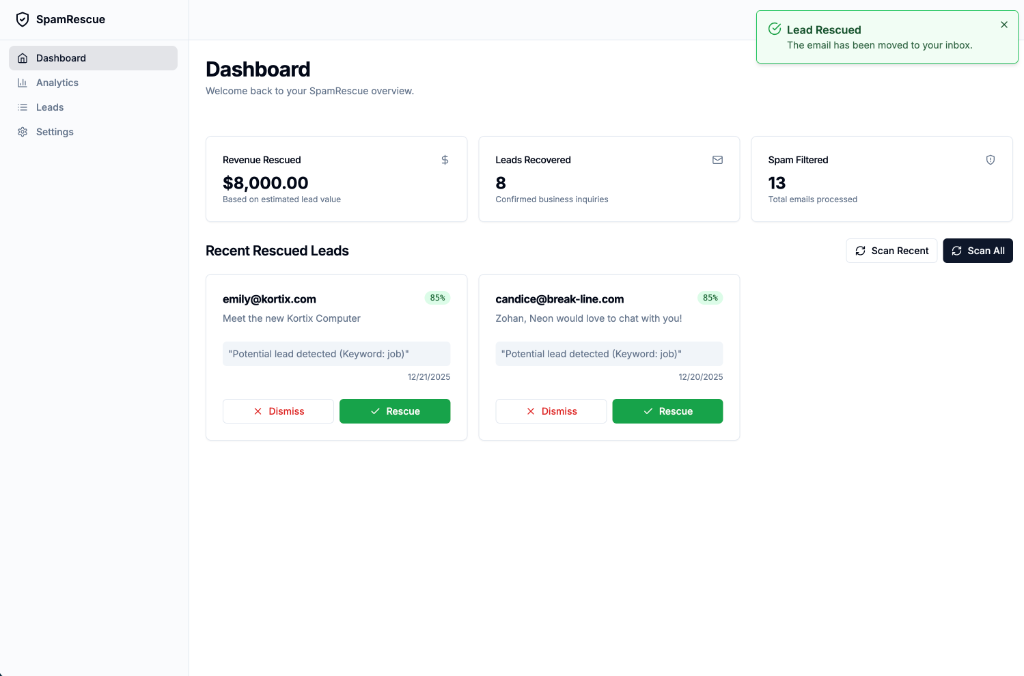
Start a scan from your dashboard, or let the automatic scan check your spam folder for you.
2. Identify Candidates
See a list of potential business leads that were wrongly classified as spam.
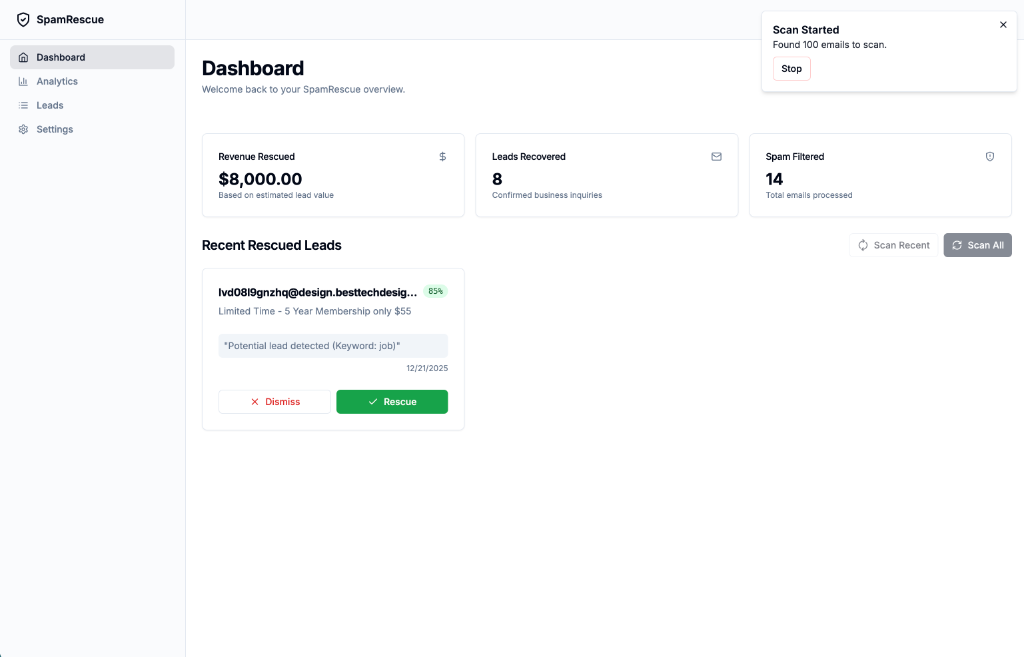
3. One-Click Rescue
Found a gem? Press 'Rescue' to move it back to your inbox.
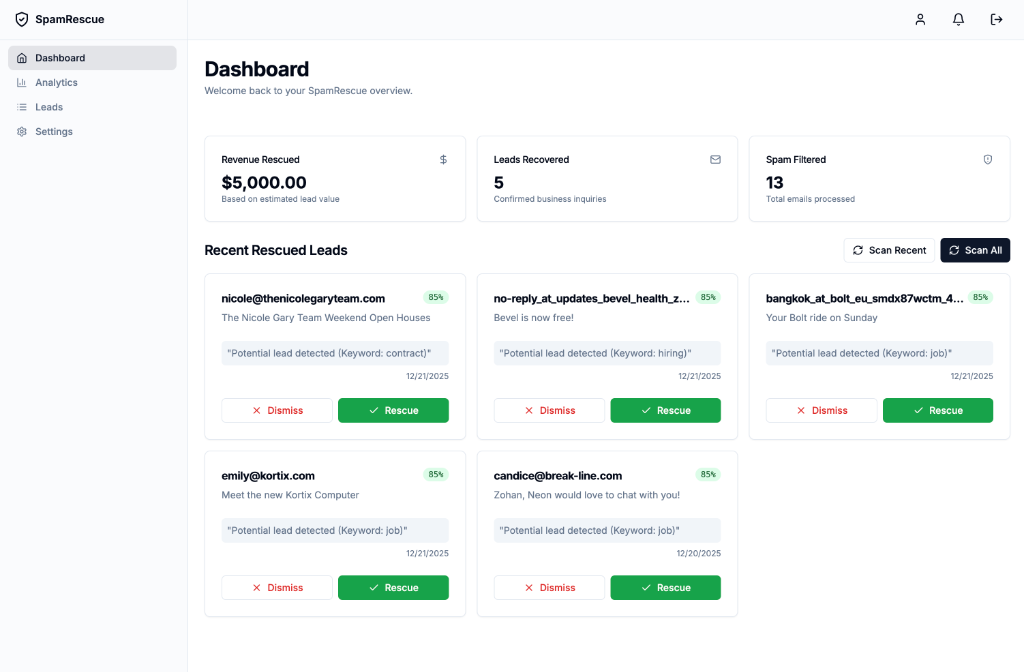
4. Dismiss False Positives
Press 'Dismiss' on false positives to keep them out of your leads list.
5. Track Value
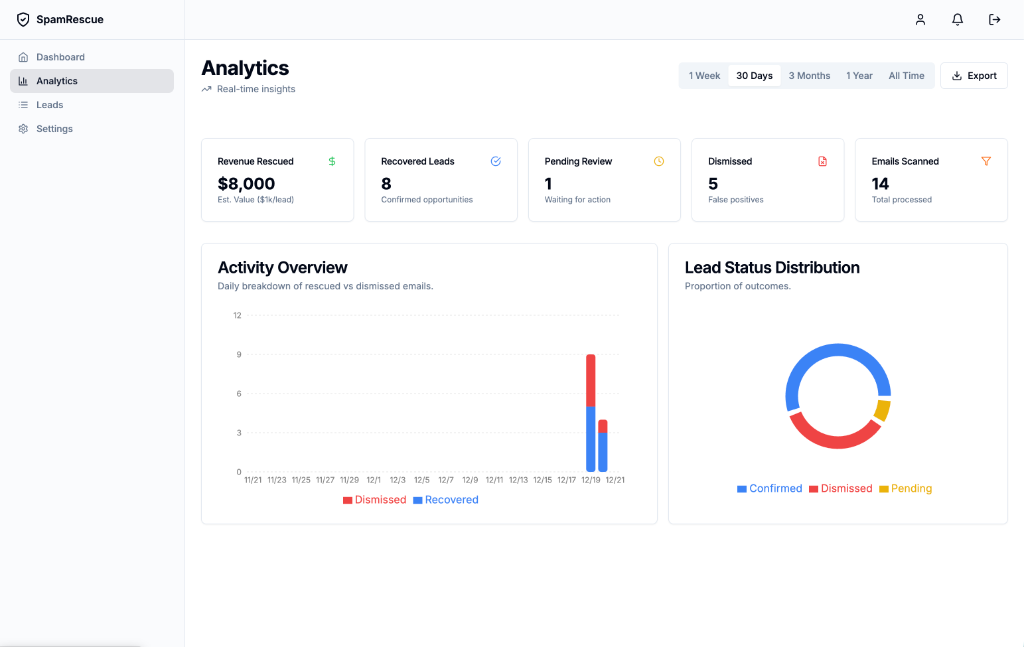
Monitor your dashboard to see total revenue rescued and leads recovered over time.
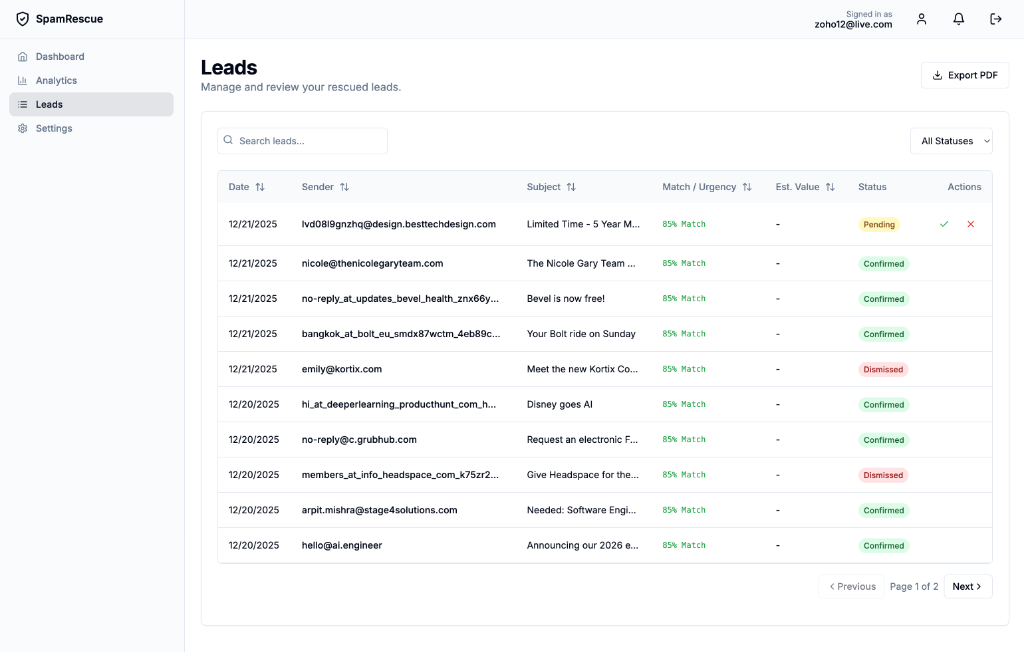
6. Manage Leads
Review your full history in the Leads page. Export reports and verify urgency scores.